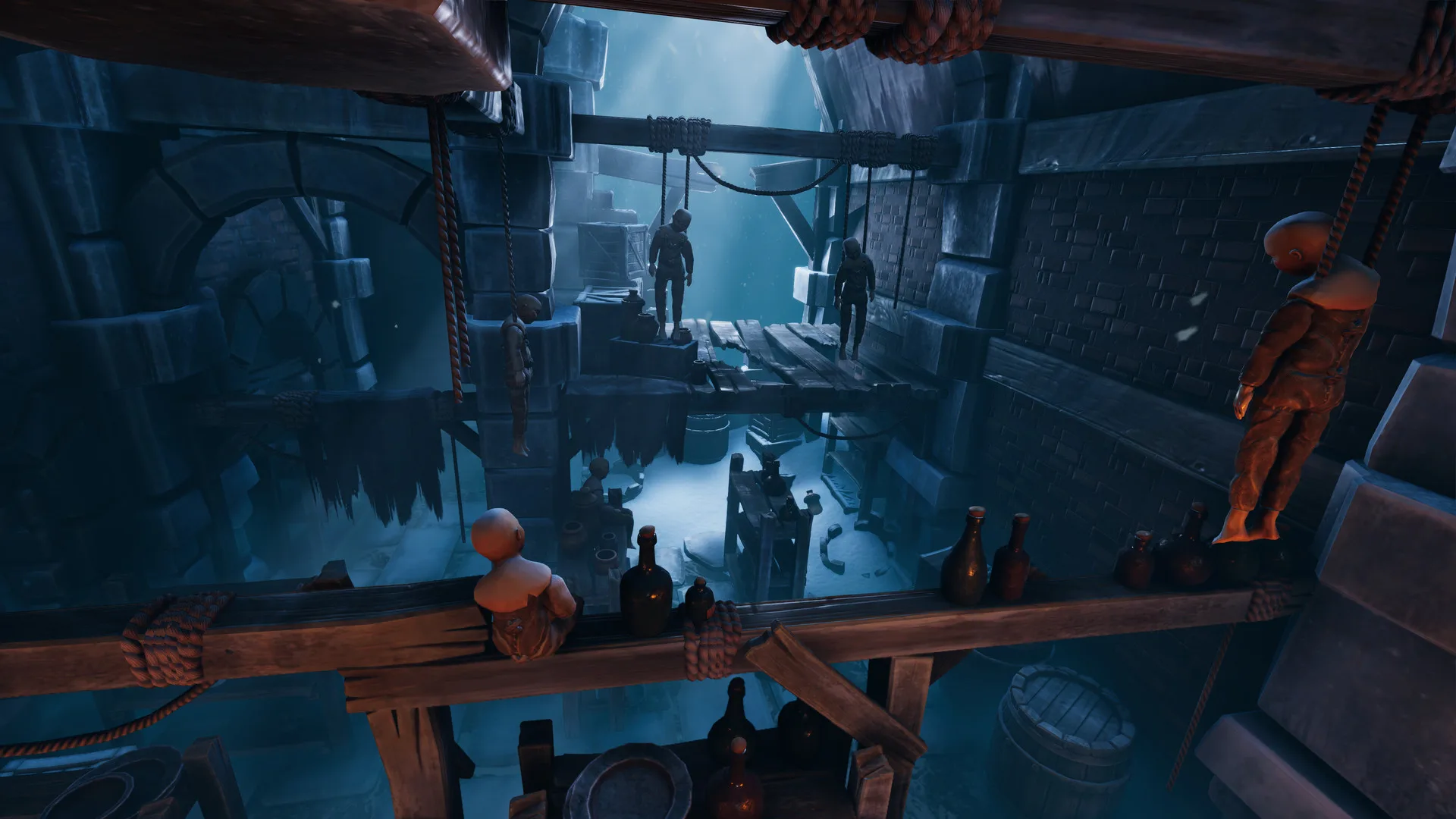
- We Were Here Forever PS4 supports full online two-player co-op with cross-platform multiplayer.
- Crossplay works between PS4, PS5, PC, Xbox One, and Xbox Series X|S.
- A partner is required — the campaign cannot be completed solo or in local split-screen.
- Voice communication via the walkie-talkie system is a core mechanic, so a working headset is essential.
- The base game is a one-time purchase — both players only need their own copy and an online connection.
We Were Here Forever on PS4: The Basics
We Were Here Forever is the fourth entry in Total Mayhem Games' co-op puzzle series, released on May 10, 2022. On PS4, it delivers the same asymmetric two-player escape-room experience as the PC version: both explorers are trapped in and around the frozen kingdom of Castle Rock, and each player sees only half of the information needed to solve every puzzle. The game supports 23 languages and features a full trophy list for PlayStation completionists.
Because the entire design revolves around two players exchanging descriptions of symbols, mechanisms, and routes, the PS4 version functions identically to other platforms — the only real differences are controller input and where you buy the game.
Key facts at a glance:
| Detail | PS4 Information |
|---|---|
| Release Date | May 10, 2022 |
| Developer | Total Mayhem Games |
| Player Count | Exactly 2 players, online |
| Crossplay | PC, PS4, PS5, Xbox One, Xbox Series X |
| Split-Screen | Not supported |
| Languages | 23 supported interface/subtitle languages |
| Communication | In-game voice, core mechanic |
The series title is not translated on any platform — search for "We Were Here Forever" on the PlayStation Store rather than a localized name.
Crossplay and Multiplayer Setup
The official Steam store page and the official We Were Here Games site confirm that We Were Here Forever supports cross-platform multiplayer across PC, PlayStation, and Xbox. This means a PS4 player can partner with a friend on Steam, PS5, or any Xbox console without either player repurchasing the game on a different platform.
What each player needs before starting
| Requirement | PS4 Player | Partner (Any Platform) |
|---|---|---|
| Game copy | PS4 version from PlayStation Store | Own copy on their platform |
| Online access | PlayStation Network subscription where required | Platform-equivalent online access |
| Headset | Working mic and headphones (essential) | Same |
| Internet | Broadband connection | Broadband connection |
| Crossplay setting | Enabled in-game | Enabled in-game |
Step-by-step: starting a crossplay session
Confirm Platform Access
Verify both players own the game, have active online subscriptions where their platform requires one, and have tested their internet connection.
Set Up Voice Chat
Connect and test headsets before launching. The walkie-talkie communication is a gameplay mechanic, so audio quality directly affects puzzle solving.
Launch and Enable Crossplay
Start the game on PS4, confirm cross-platform multiplayer is enabled in the settings, and head to the multiplayer menu.
Invite Your Partner
Use the in-game invite system to connect with your partner regardless of their platform, then confirm both players are in the same lobby.
Test Communication
Before entering Castle Rock, do a quick audio check. If your partner cannot hear you clearly, fix the mic setup first — every puzzle depends on it.
We Were Here Forever is online-only co-op. There is no local split-screen mode on PS4 or any other platform — each player must participate from their own system.
Co-op Puzzle Fundamentals on PS4
Whether you play on PS4 or PC, the core loop stays the same: one explorer receives clues the other cannot see, and progress depends on describing them accurately. New pairs consistently struggle not because puzzles are unfair, but because communication is unstructured.
Asymmetric Information
- Each player sees different clues
- Never assume your partner sees your screen
- Describe surroundings before acting
Walkie-Talkie Discipline
- Short, one-at-a-time instructions
- Partner confirms before next step
- Agree on countdowns for timed actions
Symbol Vocabulary
- Name each symbol once (crown, eye, hook)
- Keep the same name throughout
- State position first: top-left, second from right
Common puzzle types and how to handle them
| Puzzle Type | Communication Focus | Key Habit |
|---|---|---|
| Symbol matching | Shape and position names | Consistent vocabulary |
| Navigation | Fixed directions, clock positions | One instruction at a time |
| Paired mechanisms | Describe what changed | Change one control at a time |
| Sequences | Read full order aloud first | Repeat back to confirm |
| Timed actions | Countdown agreement | Short confirmations: ready, go, stop |
When experimenting with levers or valves on PS4, activate only one control and ask your partner what changed in their environment. This single habit prevents most "lost puzzle state" confusion.
PS4 Trophies and Completion Planning
The Steam release lists 39 achievements, and the PlayStation versions carry an equivalent trophy list tied to the same objectives. Most story-related trophies unlock naturally during a first cooperative run, while optional objectives require deliberate exploration.
| Trophy Category | Requirement | Missable Risk | Approach |
|---|---|---|---|
| Story progression | Reach major story points | Low | Progress normally with your partner |
| Puzzle completion | Finish key puzzle sequences | Low-Medium | Complete every interaction before leaving areas |
| Optional objectives | Non-required actions | Medium | Explore thoroughly, interact with unusual objects |
| Partner-dependent | Coordinated two-player actions | Medium | Communicate before triggering mechanisms |
| Late-game objectives | Final-section actions | Medium | Finish optional interactions before story transitions |
Completion Run Checklist:
- Test headsets and crossplay before session one
- Explore side areas before leaving each major region
- Interact with unusual objects for optional trophies
- Finish optional objectives before the final sections
- Plan a second run for any missed puzzle trophies
If you miss optional trophies on PS4, a second cooperative run is the most reliable path — and puzzles play very differently once both players already know the solutions.
Troubleshooting Common PS4 Issues
Most PS4 session problems trace back to three areas: microphone configuration, connection errors, and invite failures. Work through them in order before restarting the game.
| Problem | Likely Cause | Fix |
|---|---|---|
| Mic not working | PS4 audio permissions or wrong input device | Check PS4 settings, set correct headset input |
| Partner can't hear clearly | Mic sensitivity or background noise | Adjust levels, use push-to-talk style discipline |
| Connection error | NAT type or unstable broadband | Test connection, restart router |
| Crossplay invite fails | Crossplay disabled in settings | Re-enable cross-platform multiplayer both sides |
| Desync after puzzle | Both players changed mechanisms at once | Reload checkpoint, change one thing at a time |
Always verify your PlayStation Network status and in-game crossplay settings first — the majority of failed invites come from one player having cross-platform play disabled.
FAQ
Q: Is We Were Here Forever available on PS4?
Yes. We Were Here Forever is available on PS4 as well as PS5, PC via Steam, Xbox One, and Xbox Series X|S, with all versions supporting the same two-player online co-op campaign.
Q: Can a PS4 player play with someone on PC or Xbox?
Yes. The developers officially support cross-platform multiplayer, so a PS4 player can partner with someone on PC, PS5, or Xbox. Both players need their own copy of the game, an online connection, and a working headset.
Q: Can I play We Were Here Forever solo on PS4?
No. The game is designed around exactly two explorers who each receive different information. There is no single-player mode and no local split-screen — online cooperation with a partner is required.
Q: Do I need PlayStation Plus to play?
Online multiplayer access on PlayStation typically requires an active subscription where your region and account require one for online play. Check your PlayStation Network status, and confirm both players have working headsets before starting.