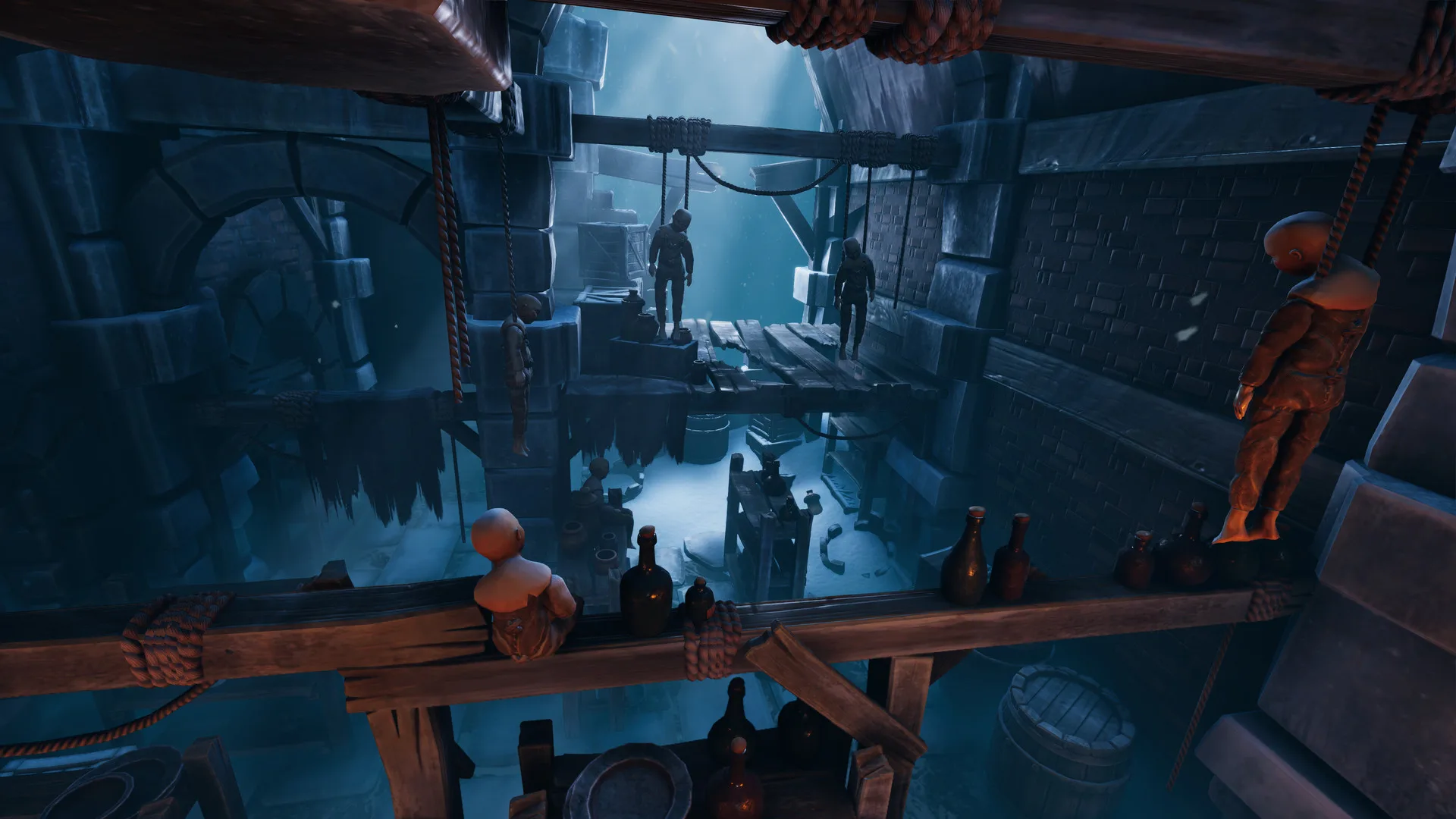
- We Were Here Forever couch co op is not natively supported — the game is built around online two-player co-op only
- Each player needs their own PC and copy, connected via Steam Friend Invite
- The signature mechanic is the walkie-talkie, your only in-game communication once the campaign starts
- Remote play or Discord streaming can approximate a shared-screen experience for local setups
- Campaign length runs roughly 10-15 hours across six chapters
Does We Were Here Forever Support Couch Co Op?
The short answer: no. We Were Here Forever couch co op is not an official feature. The game's entire design assumes two players on separate machines, each seeing only half of the puzzle information and relaying it through an in-game walkie-talkie. That separation is the core of the experience — putting both players in the same room on one screen would break most of the puzzle design.
The setup process itself is simple. To start a campaign, you invite a friend via Steam and they appear in your lobby. While you're in the lobby you can talk normally, but once the game begins, all communication goes through the walkie-talkie system, simulating a real radio channel.
Video Highlights:
- Full co-op review covering the walkie-talkie communication system
- Setup walkthrough: Steam invite, lobby, shared saves
- Discussion of the six-chapter structure and 10-15 hour runtime
- Honest take on which puzzles reward true cooperation
The game requires two copies and two players. There is no single-player mode and no split-screen option — every puzzle depends on information held by both sides.
Online Co Op vs. Couch Co Op: Comparison
| Feature | We Were Here Forever (Online) | Typical Couch Co Op Game |
|---|---|---|
| Players per screen | 1 | 2 (split-screen or shared) |
| Copies required | 2 | 1 |
| Communication | In-game walkie-talkie only | Free voice in the room |
| Puzzle design | Asymmetric, information split | Shared visible space |
| Cross-platform | Available on multiple platforms | Varies by title |
| Session length | 10-15 hours, shared saves | Varies |
While couch co op is off the table, the walkie-talkie mechanic arguably delivers something similar in spirit: sitting in the same room and talking over the radio channel recreates the "yelling across the couch" energy of classic co-op, and many pairs play exactly this way.
Same Room, Two PCs
- Each player on their own machine
- Talk over the in-game walkie-talkie anyway
- Preserves the intended immersion
Remote Play Workaround
- Steam Remote Play Together streaming
- Second player joins via a stream
- Still needs two inputs and good latency
Standard Online
- Steam invite to lobby
- Shared save progress
- Play from separate locations
Playing side by side in the same room with the walkie-talkie on is the closest you'll get to couch co op — and it makes describing strange symbols to your partner much funnier.
Step-by-Step: Setting Up Your Co-Op Session
Get Two Copies
Both players need the game on PC. It's a good candidate to pick up during a Steam sale if you're on the fence.
Invite via Steam
One player launches the game and sends a Steam invite. The friend joins and appears in the lobby.
Coordinate in the Lobby
While in the lobby you can voice chat normally. Settle on walkie-talkie conventions — call signs, "copy that," "over" — before you start.
Start the Campaign
Once the game begins, normal voice chat is replaced by the walkie-talkie. You begin as prisoners in a dungeon beneath Castle Rock.
Handle Desyncs
If one player can't see the other (a rare desync bug), quit out and reload — shared saves put you right back where you were.
Saves are shared between partners, so you never lose progress when a session ends or a rare desync forces a restart.
Communication Tips for Two-Player Puzzles
Most puzzles place you in separate rooms with 2-3 escalating phases, and the goal is almost always to reunite. Clear radio discipline is the difference between a satisfying solve and an hour of frustration.
| Tip | Why It Matters |
|---|---|
| Use directional references | "Face the door, go forward five steps" beats vague pointing |
| Confirm before acting | Repeat instructions back — "copy that" — before stepping through hazards |
| Describe shapes precisely | Antenna count, angles, and orientation matter for symbol puzzles |
| Share what you see, not conclusions | Raw info lets both brains work the deduction |
| Note crucial clues | Some key clues look like set dressing — scan every corner |
Some puzzles hide crucial information in spots that look like background decoration, and the built-in hints can be vague ("did you communicate what you're seeing?"). Examine environments carefully before assuming you're stuck.
Pre-Session Checklist
Before You Start:
- Confirm both players own the game on Steam
- Test microphones and audio for walkie-talkie clarity
- Agree on radio call signs and confirmation phrases
- Block 2-3 hours per session for longer puzzle chains
- Keep a notes app ready for multi-phase puzzle clues
The last three chapters can be tackled in any order after the midpoint. If one chapter stalls you, switching to another keeps momentum — and morale — intact.
FAQ
Q: Is there couch co op or split-screen in We Were Here Forever?
No. The game is designed exclusively for two-player online co-op, with each player on a separate PC seeing different puzzle information. There is no split-screen or shared-screen mode.
Q: Can I play We Were Here Forever solo?
No. Every puzzle in the campaign depends on information split between two players, so a second human partner is required for the entire 10-15 hour experience.
Q: How do my partner and I communicate in game?
Through the in-game walkie-talkie. You can talk normally in the lobby, but once the campaign starts, the walkie-talkie simulates a real radio channel and becomes your primary means of coordination.
Q: Will we lose progress if a session crashes?
Saves are shared between partners. In the rare case of a desync bug, quitting out and reloading places you right back where you left off with no lost progress.