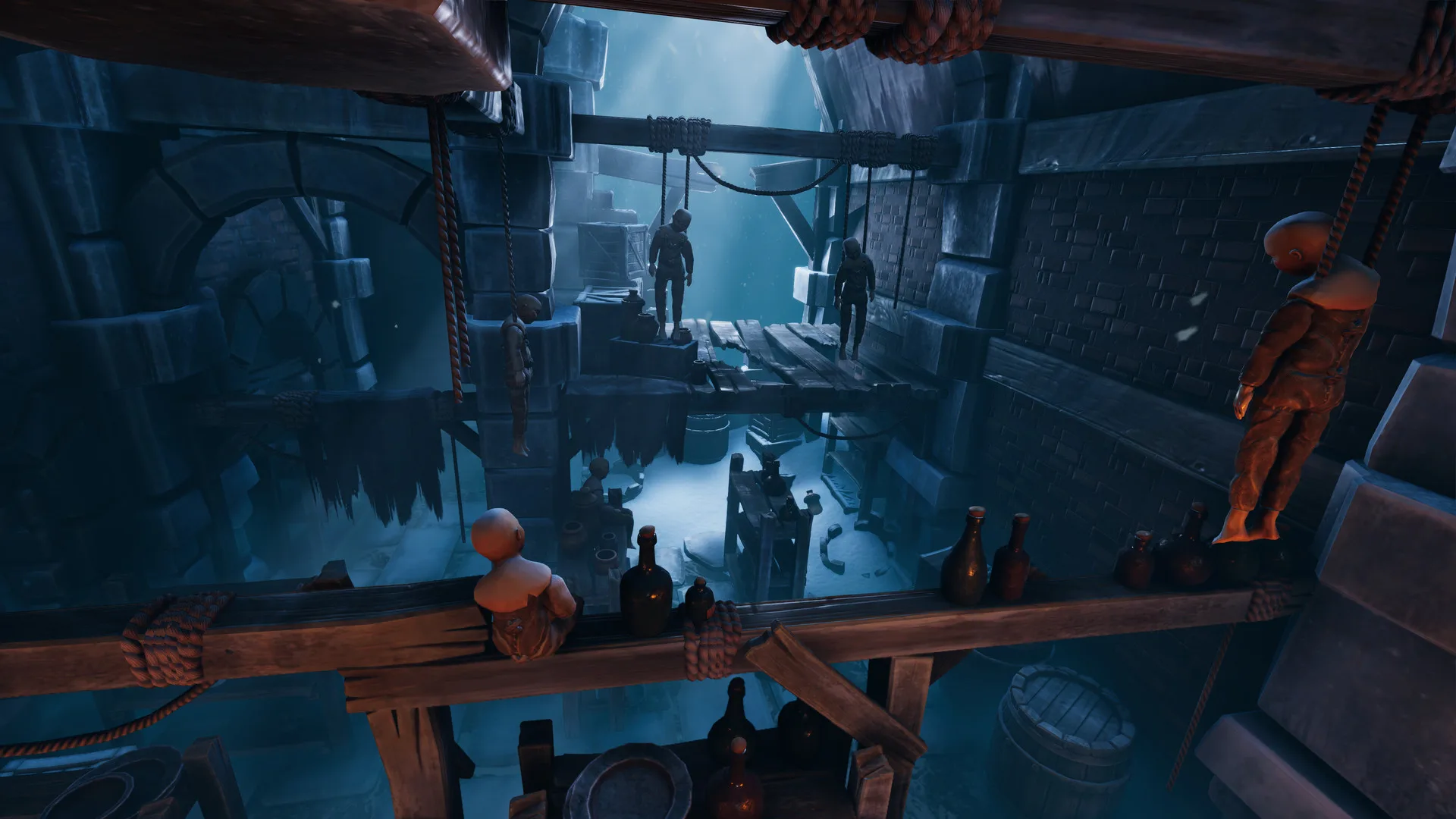
- We Were Here Forever crossplay connects PC, PlayStation, and Xbox players in two-player online co-op.
- Both players need their own system, an online connection, and a working microphone.
- Voice communication is a core mechanic — the walkie-talkie exchange drives every puzzle.
- No split-screen: the adventure is online co-op only, designed for exactly two explorers.
- Confirm cross-platform settings before starting a session to avoid mid-game connection issues.
Crossplay Support Overview
We Were Here Forever is the fourth entry in Total Mayhem Games' co-op puzzle series, and it fully supports cross-platform multiplayer across its available platforms. Whether you play on Steam or a console, you can team up with a partner on a different platform and tackle the puzzles of Castle Rock together.
The table below summarizes the key multiplayer features:
| Feature | Support | Notes |
|---|---|---|
| Online Co-op | Supported | Built for exactly two players with asymmetric clues |
| Cross-Platform Multiplayer | Supported | PC, PlayStation, and Xbox players can connect |
| Local Split-Screen | Not Supported | Each player participates from their own system |
| Player Count | 2 Players | Two distinct explorer roles, no single-player campaign |
| Voice Communication | Core Mechanic | Walkie-talkie style exchange is required to progress |
If you and your partner are on different platforms, verify that both of you own the game on a supported platform and have active online subscriptions where required (PlayStation Plus or Xbox Live Gold for console online play).
Supported Platforms
PC (Steam)
- Windows PC, 64-bit required
- 8 GB RAM minimum
- DirectX 11-capable GPU
- Approximately 25 GB storage
PlayStation
- PlayStation 4 and PlayStation 5
- Online multiplayer access required
- Crossplay with PC and Xbox
Xbox
- Xbox One and Xbox Series X|S
- Online multiplayer access required
- Crossplay with PC and PlayStation
A broadband connection is mandatory. The entire campaign is designed around online two-player cooperation, so there is no offline mode for the core adventure.
How to Set Up a Crossplay Session
Follow these steps to connect with a partner on any supported platform:
Confirm Platform Compatibility
Both players verify they own We Were Here Forever on a supported PC, PlayStation, or Xbox platform and that their online subscriptions are active where needed.
Prepare Voice Communication
Test your microphone and headset before launching. Every puzzle depends on describing symbols, positions, and mechanisms accurately, so clear audio matters.
Launch and Enable Crossplay
Start the game and confirm cross-platform multiplayer is enabled in the settings so the game can match you with players on other systems.
Invite Your Partner
Use the in-game invite system to send a request to your friend. Both players should be on the main menu and ready to accept.
Test Communication Early
Once connected, confirm both players can hear each other clearly before entering Castle Rock. Fixing audio problems now saves frustration later.
If both players hear each other clearly and the invite succeeded, you are set. Take time in the opening prison area to practice describing symbols — it sets the tone for the entire adventure.
Voice and Communication Requirements
Communication is not optional in We Were Here Forever. Each explorer sees different clues, and progress depends on exchanging that information through the walkie-talkie system. Before a crossplay session, make sure your setup supports clear, low-latency voice.
| Requirement | Recommendation | Why It Matters |
|---|---|---|
| Microphone | Headset with mic | Hands-free communication while solving puzzles |
| Audio Output | Headphones | Prevents echo and keeps partner audio clear |
| Connection | Stable broadband | Dropouts can desync puzzle states |
| Vocabulary | Consistent symbol names | Agree on names like crown, eye, hook before starting |
Before each puzzle, agree on short names for symbols and fixed directional language such as top-left, second from the right, or nearest the door. Consistent descriptions dramatically reduce confusion across platforms.
Pre-Session Checklist
Before Entering Castle Rock:
- Both players own the game on supported platforms
- Online subscriptions active where required
- Cross-platform multiplayer enabled in settings
- Microphone and headphones tested and working
- Stable broadband connection confirmed on both ends
FAQ
Q: Does We Were Here Forever support crossplay between PC and consoles?
Yes. We Were Here Forever supports cross-platform multiplayer, allowing players on supported PC, PlayStation, and Xbox platforms to play the two-player co-op adventure together.
Q: Can I play We Were Here Forever in split-screen or local co-op?
No. The game is an online co-op experience only. Each player participates from their own system, and there is no local split-screen mode.
Q: Do both players need a microphone for We Were Here Forever crossplay?
Yes, effective voice communication is essential. Each player receives different clues, and puzzles are designed around describing that information to your partner through walkie-talkie style communication.
Q: How many players can play We Were Here Forever at once?
Exactly two. The puzzles are built around two distinct explorer roles with asymmetric information, so the campaign cannot be completed solo or with larger groups.